A creative brief is a short document that tells the people making your content what to make, who it's for, and what it has to achieve. For short-form video, it's the page you hand a creator before they film: the format, the hook, the beats, the one objection to answer, and the call to action. This guide gives you a one-page template built for creator videos, a filled-in example, and the mistakes that make briefs fail.
Why most creative brief templates don't work for creator videos
Most creative brief templates were built for agencies making websites, print ads or TV spots. They ask for company history, brand values, competitors and a timeline. That's useful for a six-week campaign, and almost useless for a creator filming a 25-second video on their phone this afternoon.
A creator needs to know three things fast: what to film, what to say in the first two seconds, and what the viewer should do at the end. Everything else is background they will skim. The template below puts those three things first.
| Classic agency brief | Short-form creator brief | |
|---|---|---|
| Length | 2 to 5 pages | 1 page |
| Opens with | Company background | The format and the hook |
| Creative direction | Mood, tone, references | Beats with timestamps |
| Success measure | Awareness, recall | Buying comments, clicks, sales |
| Who reads it | Agency team | One creator, often on a phone |
The one-page creative brief template
Copy this and fill it in. If a section takes more than two lines, it's too long.
1. Goal (one line)
What the video has to do. "Get people to buy the 3-pack" or "get installs from people who budget in spreadsheets." Not "raise awareness."
2. Who it's for (one line)
The specific buyer and the problem they have. "Renters with a messy under-sink cabinet," not "women 25 to 45."
3. Format
The structure of the video, named. Problem to fix, screen recording, packing orders, before and after, three reasons with fast cuts, founder answering a comment. The format decides whether the comments ask to buy or just say "cute." See every format with its beats.
4. Hooks (two or three, written out)
The exact opening line, written by you. Ask the creator to film each one as a separate opening over the same body, so one shoot gives you several ads. Our hooks sorted by format is a good place to start.
5. Beats
Four to six beats with rough timestamps: what's on screen and what gets said. Let the creator say them in their own words.
6. The objection
The one question that stops people from buying, and the answer to show on screen. Price, fit, "does it actually work," "is it a subscription."
7. CTA
One action, said casually. "It's linked" or "it's called [app name]."
8. Must-haves and must-nots
Product shown in the first three seconds, no competitor names, no claims you can't back up, music rules for the platform you'll run it on.
9. Rights, disclosure and delivery
How long and where you can use the video, including as an ad. If the creator is paid or gets free product, the FTC expects the relationship to be disclosed in the video itself, not only in the caption (FTC, Disclosures 101 for Social Media Influencers). Add file specs (vertical 9:16, no burned-in captions if you'll add your own) and the deadline.
Filled-in example: a candle brand on TikTok Shop
Here's the template filled in for a small candle brand selling on TikTok Shop that wants more sales from creator videos.
Goal: sell the 3-candle fall bundle through the TikTok Shop link.
Who it's for: people who buy candles as small gifts and want something that looks handmade.
Format: Packing Orders POV. It shows demand and lets the viewer picture their own order being packed.
Hooks (film all three):
- "Packing your orders at 11pm. 40 to go."
- "This is what your candle order looks like before it ships."
- "Someone ordered six of these. Packing them now."
Beats:
- 0:00 Hands, table, stack of orders. Hook as on-screen text.
- 0:04 Pick up the bundle and say the scent names out loud.
- 0:09 The packing detail people screenshot: the handwritten note and the wax seal.
- 0:15 Label on, name blurred.
- 0:19 Say how many orders are left tonight.
Objection: "How long does it burn?" Show the burn time from your product page as on-screen text.
CTA: "The fall bundle's linked." Then stop.
Must-haves: real orders only, no fake stacks; the bundle visible by 0:04; no copyrighted music outside the platform's library.
Rights and disclosure: 90 days of paid usage on TikTok and Meta; "ad" shown in the video and #ad in the caption.
The whole thing fits on one screen. A creator can read it in a minute and film it the same day.
Creative brief examples by product type
The template stays the same. What changes is the format and the objection.
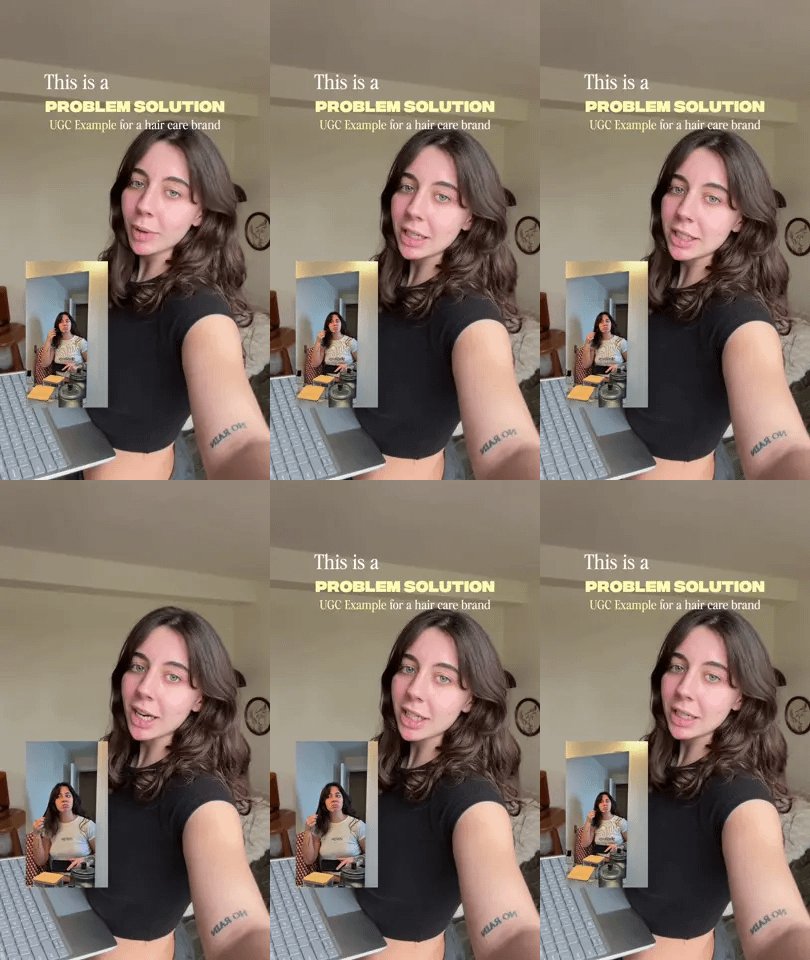
| Product type | Format that fits | Objection to answer on screen |
|---|---|---|
| Physical product that fixes a problem | Problem → Agitate → Product | "Does it actually work?" |
| Consumer app | Screen-Record Aha | "Is it free, and is my data safe?" |
| Skincare or beauty | Before / After Split, same light | "Is that a filter?" |
| Clothing | Three Reasons, Fast Cuts | "How does it fit?" |
| Higher-priced product | Green-Screen Receipt | "Is it worth the price?" |
| TikTok Shop seller with volume | Packing Orders POV | "How fast does it ship?" |
Mistakes that make creative briefs fail
- "Be authentic" as the direction. Without a format and beats, creators default to a sit-down review, and reviews are easy to scroll past.
- No hook written. The first two seconds decide everything. If you don't write it, you're leaving the most important line to chance.
- Too many messages. One video, one point, one CTA. Three benefits and two offers means none of them land.
- A full script. Creators reading lines word for word sound like ads. Give beats.
- No objection. If the video never answers the question that stops the sale, viewers leave to find the answer, and most don't come back.
- Rights left out. Finding out after the fact that you can't run the best video as an ad is expensive. Put usage terms in the brief.
How to tell if your brief worked
Judge the brief by what the video does, not how it looks:
- Buying comments: "link?", "how much?", "where do I get it?" These tell you the format and hook reached buyers.
- Clicks and sales per video: give each creator their own link or code.
- Hook hold: if viewers drop in the first two seconds, rewrite the hook before you change anything else.
When a brief works, keep it. Brief the next creator from the same page with new hooks. For UGC you plan to run as paid ads, our guide to UGC ads covers testing and scaling, and what UGC is covers the basics. If you brief creators for several clients, see how agencies use Postspace, or try the free reference brief generator.